
Our project management system connects planning, measurements, documents, selections, photos, updates, and communication in one organized place — helping you stay informed from the first scan to the final walkthrough.
Powered by Rendr and JobTread, our connected system keeps your project organized from concept to completion. From early measurements and planning details to selections, documents, updates, photos, and team communication, everything stays connected in one place so you know what is happening and what comes next.
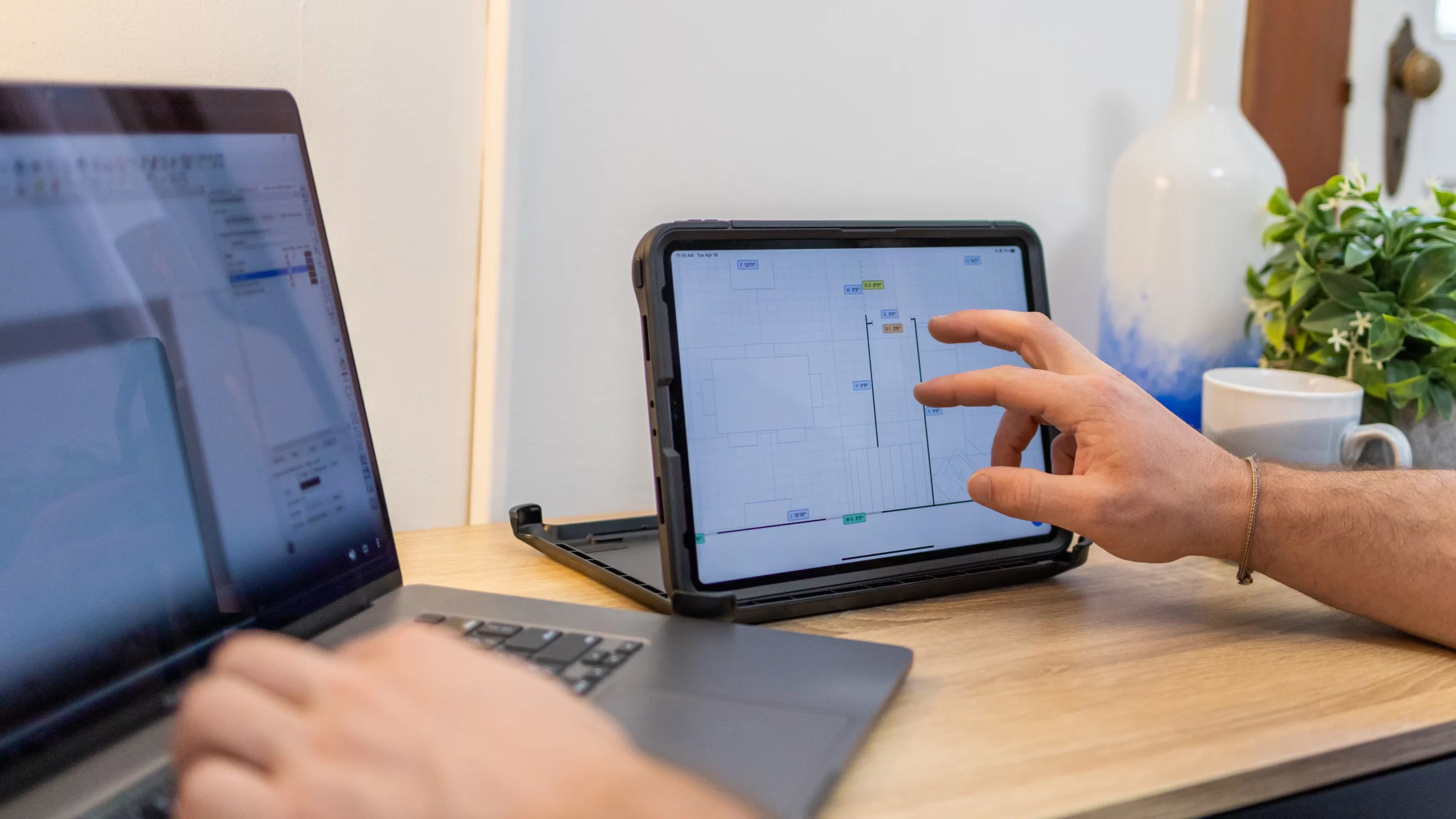
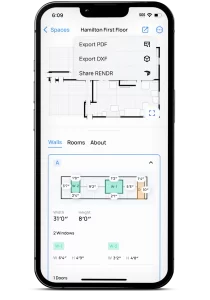
Every great build starts with a clear plan. With Rendr, we turn your ideas into detailed 3D renderings and measurable floor plans — giving you a realistic view of your project before construction begins. This step helps finalize your layout, design style, and finish selections with confidence and clarity.




We use JobTread so our customers can have one place to access and manage all of the information related to the project. With real-time updates, clear financial insights, and centralized communication, JobTread is designed to simplify the way projects are managed from start to finish.
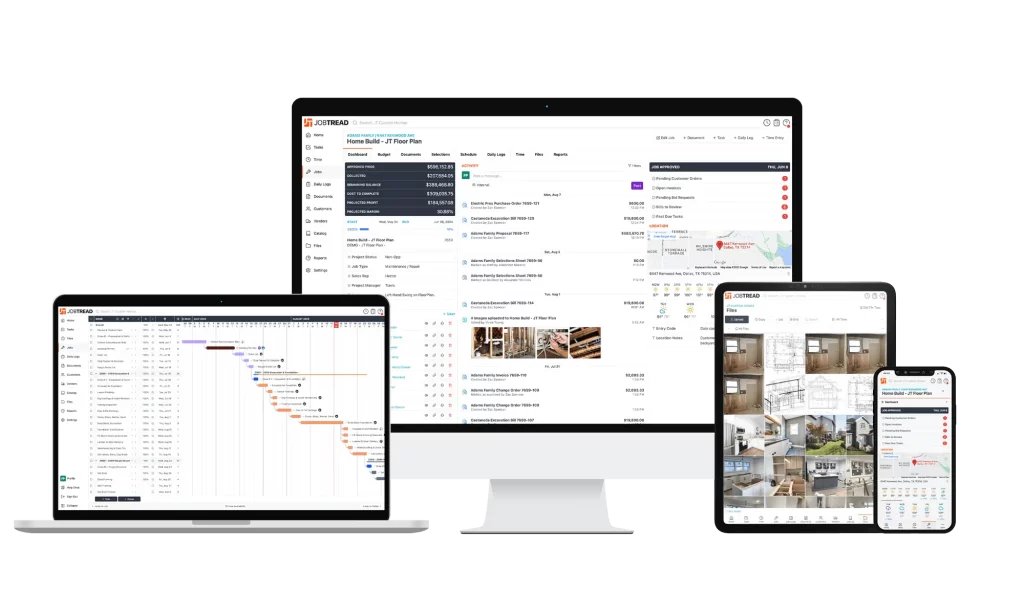
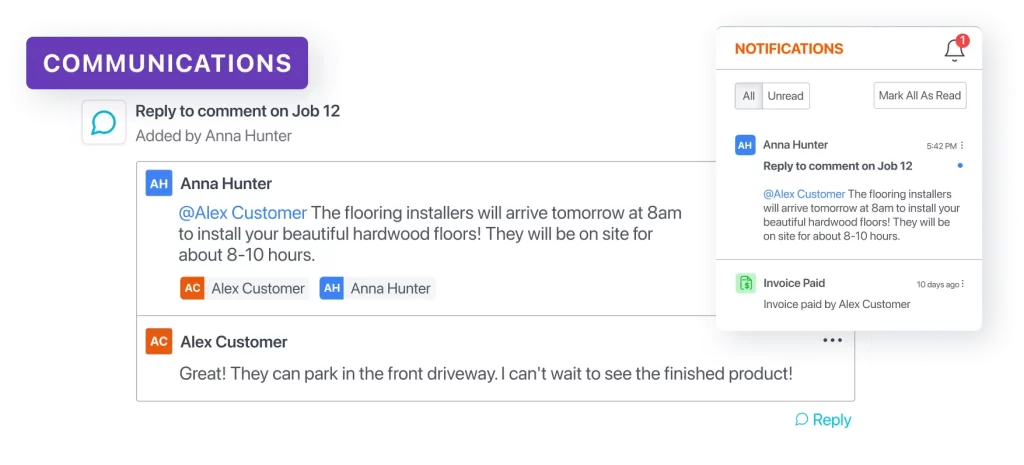
Easily monitor the project as new updates happen, without needing to be on-site and keep everyone on the same page while eliminating the need for multiple communication channels.
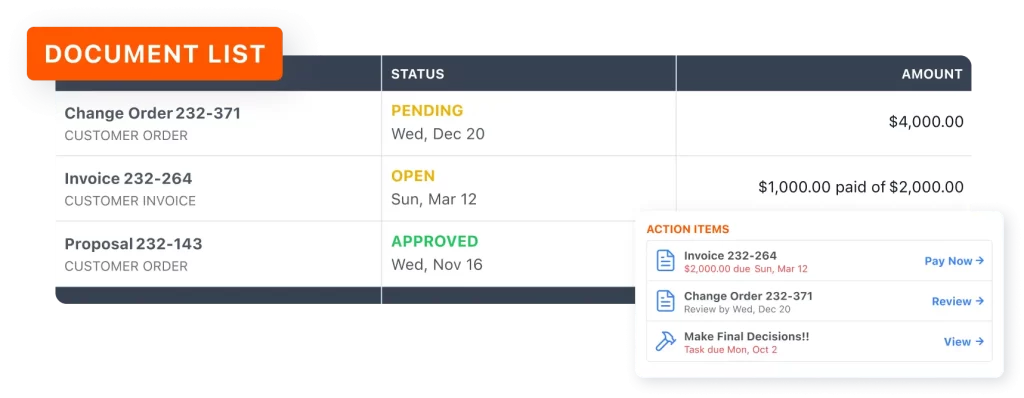
Quickly access all documents, photos, and other project-related information in one location. This can include estimates, change orders, and invoices.
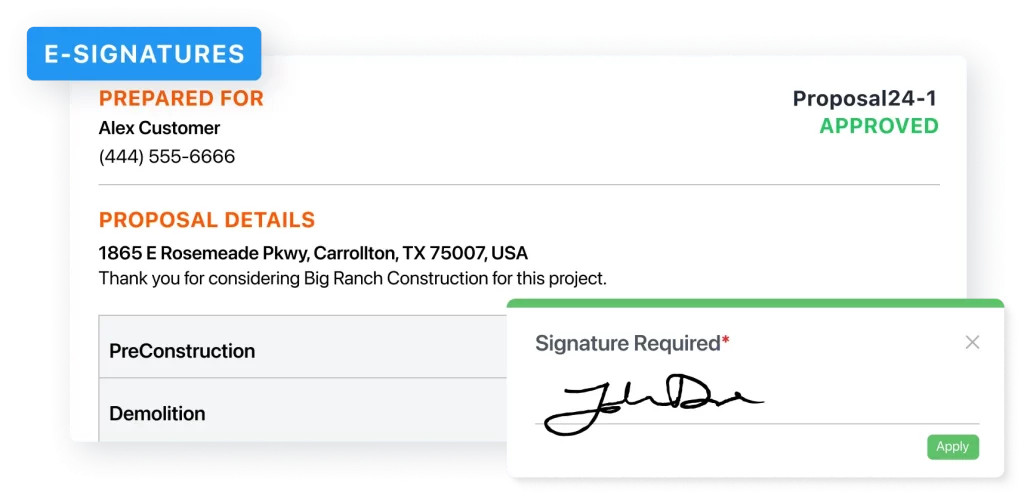
Review and sign proposals, view invoices and change orders and make payments.
Your JobTread portal keeps project communication, documents, photos, invoices, and updates organized in one place, so you always know what is happening and what comes next.

If you are a homeowner and need help navigating your JobTread portal, these support articles will walk you through how to access project details, messages, documents, photos, invoices, and updates.
If you are a vendor or trade partner working with our team, these resources explain how to use your JobTread portal for project communication, documents, schedules, and updates.
Planning a remodel, addition, outdoor living space, or custom construction project? Our project management system helps keep the details organized from the start. Share a few details with us, and we’ll guide you through the next step.Planning a remodel, addition, outdoor living space, or custom construction project? Start by sharing a few details with us, and we’ll guide you through the next step.
We use essential cookies to make our website work and optional cookies to understand how visitors use it. You can accept, reject, or customize optional cookies at any time.
We use essential cookies to operate our website and optional cookies to help us understand how visitors use it. Choose which optional cookies you're comfortable allowing. You can update your preferences at any time using the privacy settings button.
Essential cookies enable basic functions and are necessary for the proper function of the website.
Statistics cookies collect information anonymously. This information helps us understand how visitors use our website.
Google Analytics is a powerful tool that tracks and analyzes website traffic for informed marketing decisions.
Service URL: policies.google.com (opens in a new window)
You can find more information in our Cookie Policy and Privacy Policy.